Widgets
One of the most annoying aspects of time tracking apps is the need to open the application frequently. It takes time to unlock your phone, find the app, open it, and locate the information you need. To make this process faster, our app supports various widgets:
Info
IMPORTANT! Legacy Today widgets are removed in iOS 18 by Apple. If you want to use it - do not upgrade
Today Widget
- Pros: It duplicates the Activities tab, meaning you can perform all actions available in the Activities tab directly from this widget.
- Cons: As it’s an older widget, it is displayed at the bottom of newer widgets and cannot be added to the home screen. Not available anymore in iOS 18
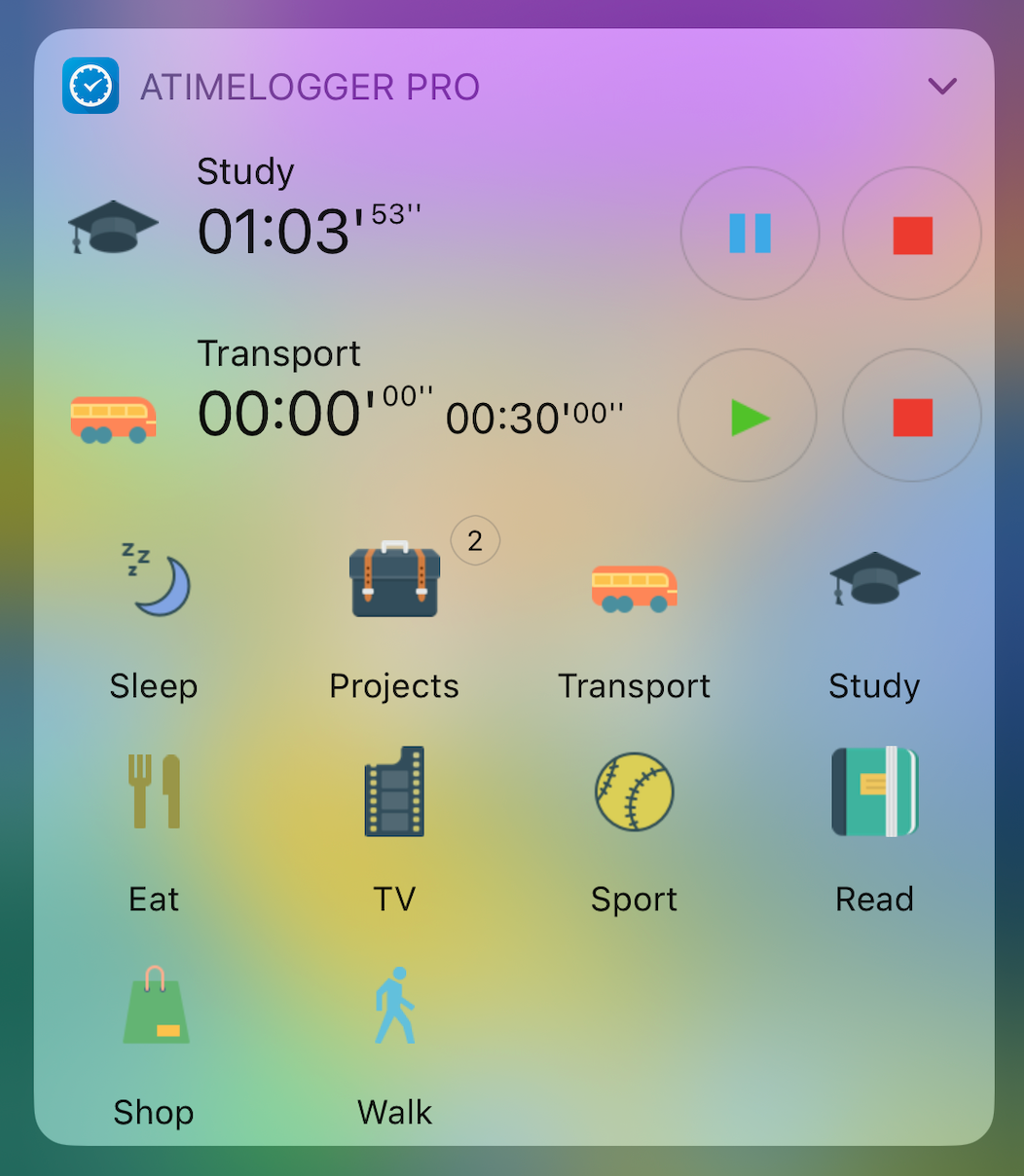
Info
Note: Occasionally, this widget may disappear after an application update. If this happens, we recommend restarting your device
Running Activity Widget
- Functionality: Displays the most recent running activity
- Supported sizes: small and medium
- Medium allows you to pause, resume, or stop the activity
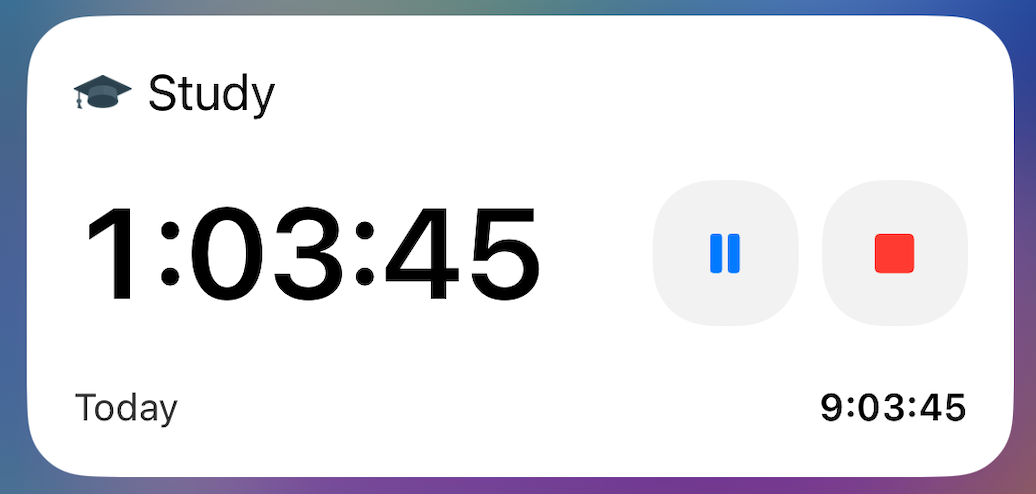
Medium Size Widget
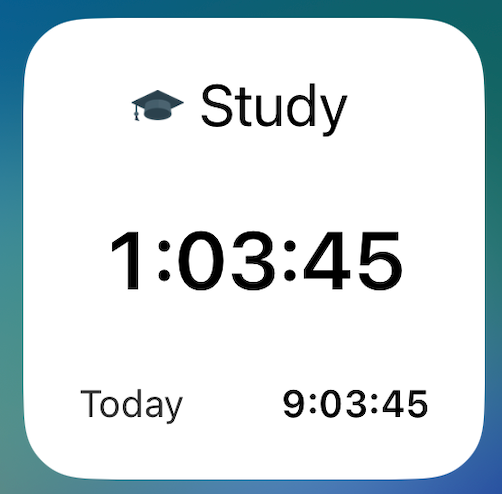
Small Size Widget
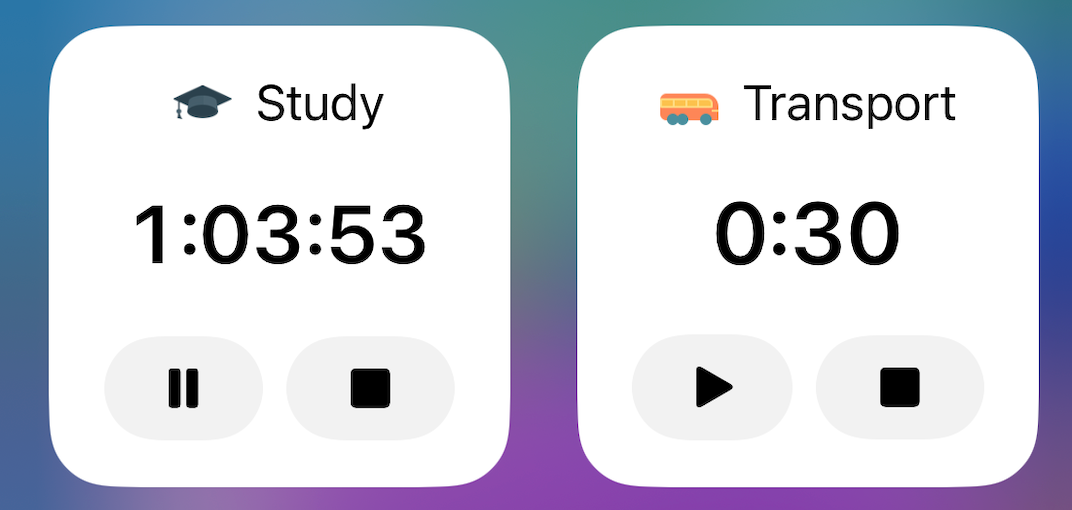
Start/Stop Activities Widget
- Functionality: Allows you to start, stop, pause, or resume activities for a selected activity type
- Configuration: After selecting an activity type in the widget configuration, you can control that activity type directly from the widget
Goal Widget
- Functionality: Displays the current range for a selected goal
- Configuration: You can select the goal to display in the widget configuration
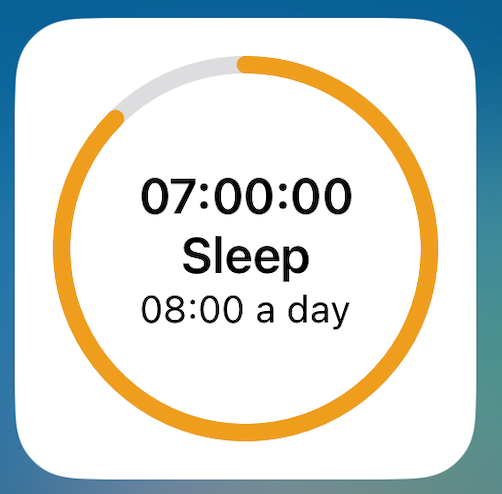
Pie Chart Widget
- Functionality: Displays statistics for 5 most popular activity types.
- Configuration: You can select date range in widget configuration (Today, Yesterday, This month, This week, Last week, Last month)
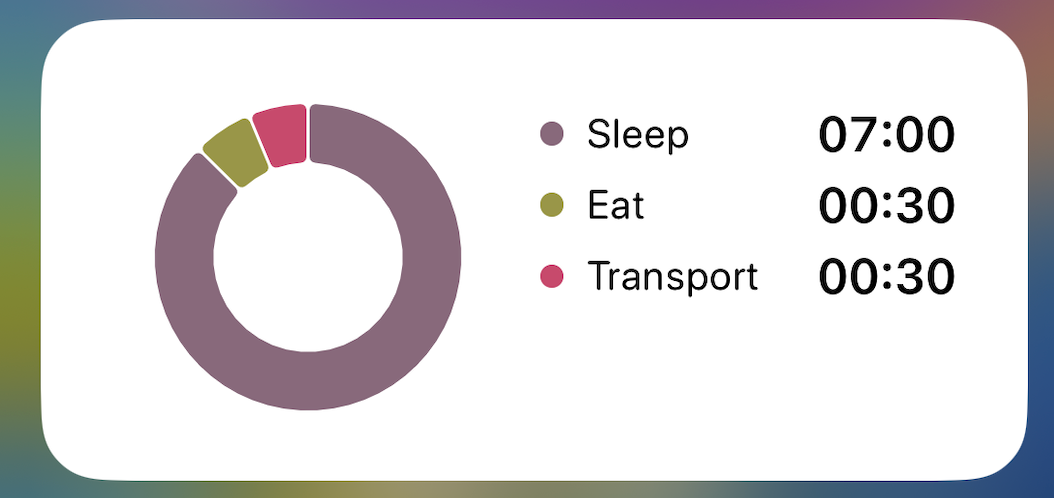
Pie Chart widget
Live Activities
These widgets showing running activities are displayed on the lock screen and in the Dynamic Island
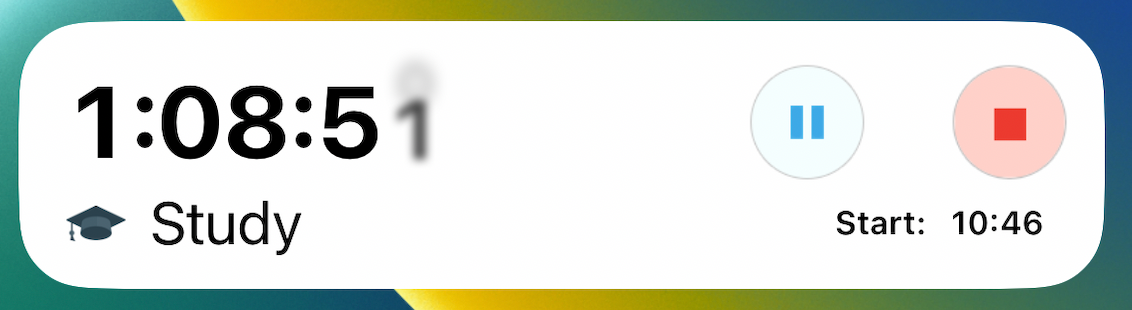
Live Activity on Lock Screen
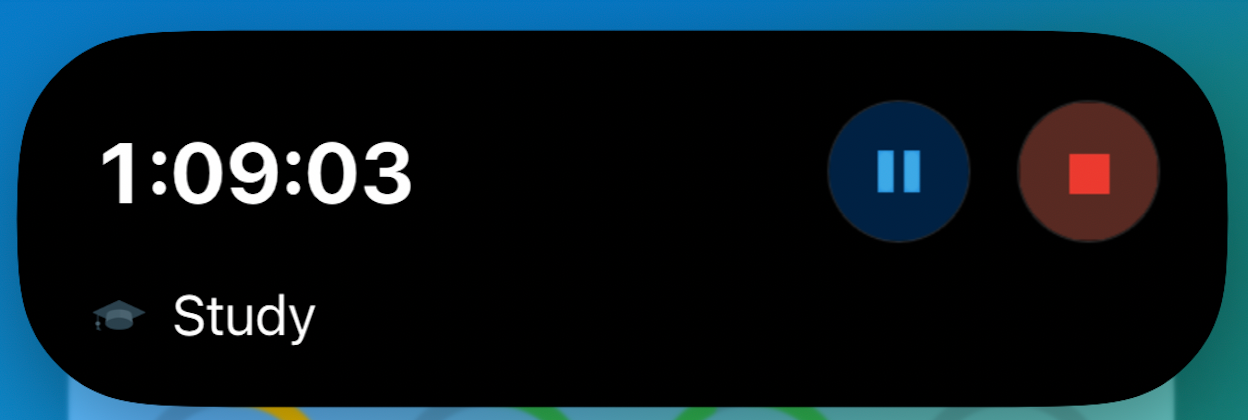
Live Activity in Dynamic Island
Info
Note: iOS has limitations trying to save your battery life. For example, Live Activity can only appear if you start activity from main application. Stopping / Pausing will work but not guaranteed.