Support & Help
Help in the app
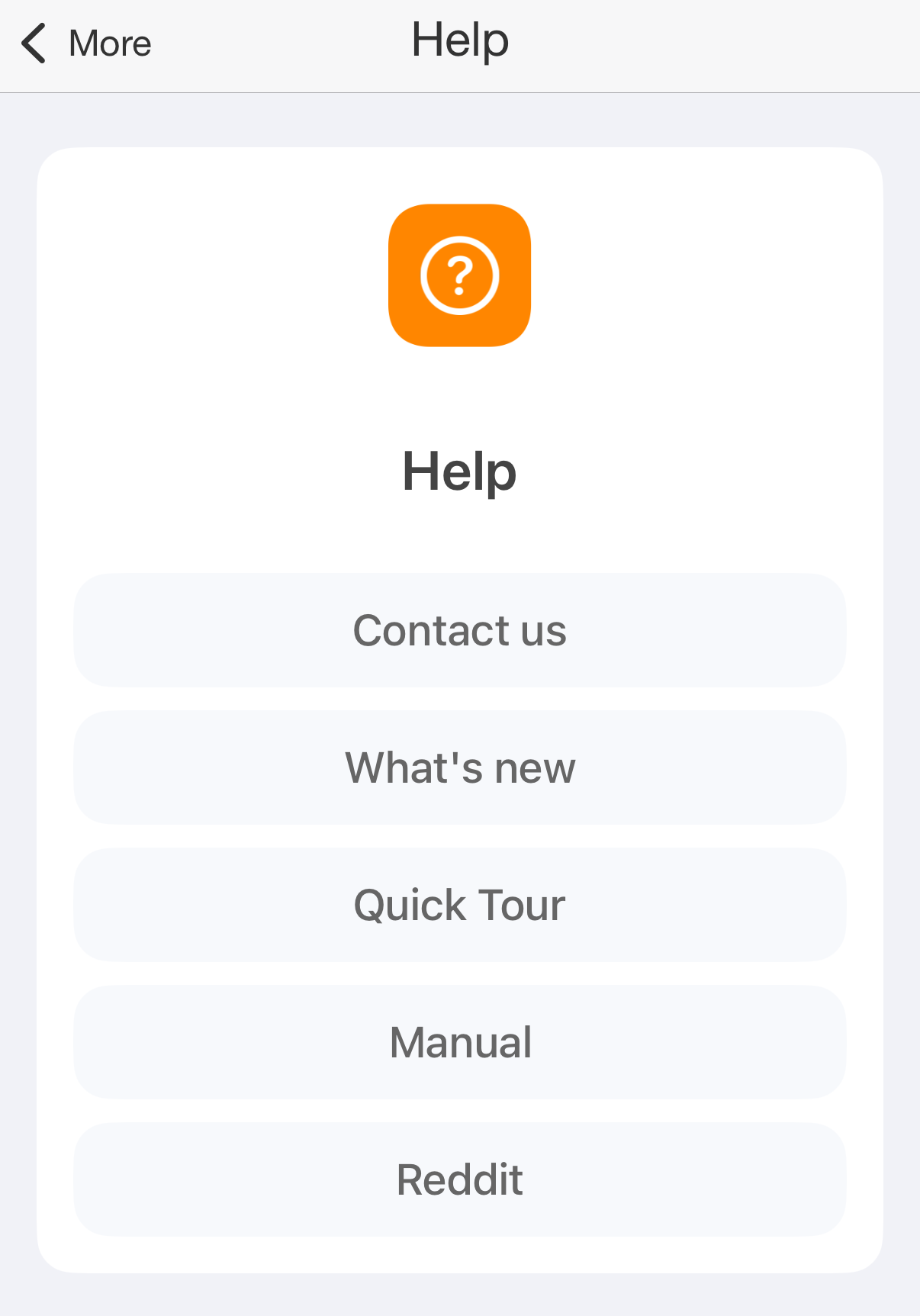
More → Help has:
- Contact us: an email to support, see below.
- What's new: the new features of the latest versions, a page for each.
- Quick Tour: try tracking, statistics, goals and Apple Health with sample data. Nothing you do in the tour changes your records.
- Manual: this guide, opened in your browser.
- Reddit: r/atimelogger, where users of the app talk.
Help
Contact us
Write to support@timetrack.io. Questions, problems and ideas for new features all go there.
Contact us, on More → Help or More → About, starts the email in the Mail app. It already holds the app version, the iOS version and the email of your account. If Mail isn't set up on your iPhone, write from any other email app.
A problem gets solved faster when the email says:
- what you did, what you expected, and what happened instead;
- which screen it was on, with a screenshot if it shows the problem;
- the app version, from More → About.
Sending logs and your data
When support asks for them, More → About sends what the app recorded:
- Send Log file: the logs of the app and its widgets, in a zip file.
- Send DB file: your database, in a zip file.
- Send Watch Log file: the log of the Apple Watch app. The watch has to be near the iPhone, with the app installed.
- View watch info: the state of the connection between the iPhone and the Apple Watch.
Each file goes into a new email to support. If Mail isn't set up, the share sheet opens with the file instead, so you can send it another way.
Warning
The database holds all your records, comments and tags. Send it only to support.
Review in App Store
If you like the app, a review in the App Store helps a lot. More → Review in AppStore, also on More → About, opens the App Store page where you write it.