Watch
You can log your time directly from your Apple Watch with our app. Follow these steps to get started:
Install and sync
- Install the app on both your iPhone and Apple Watch.
- Open the app on both devices to sync activity types from your phone to your Watch. Wait for the types to download.
Info
Note: If types are not downloaded try to restart applications both on watch and phone
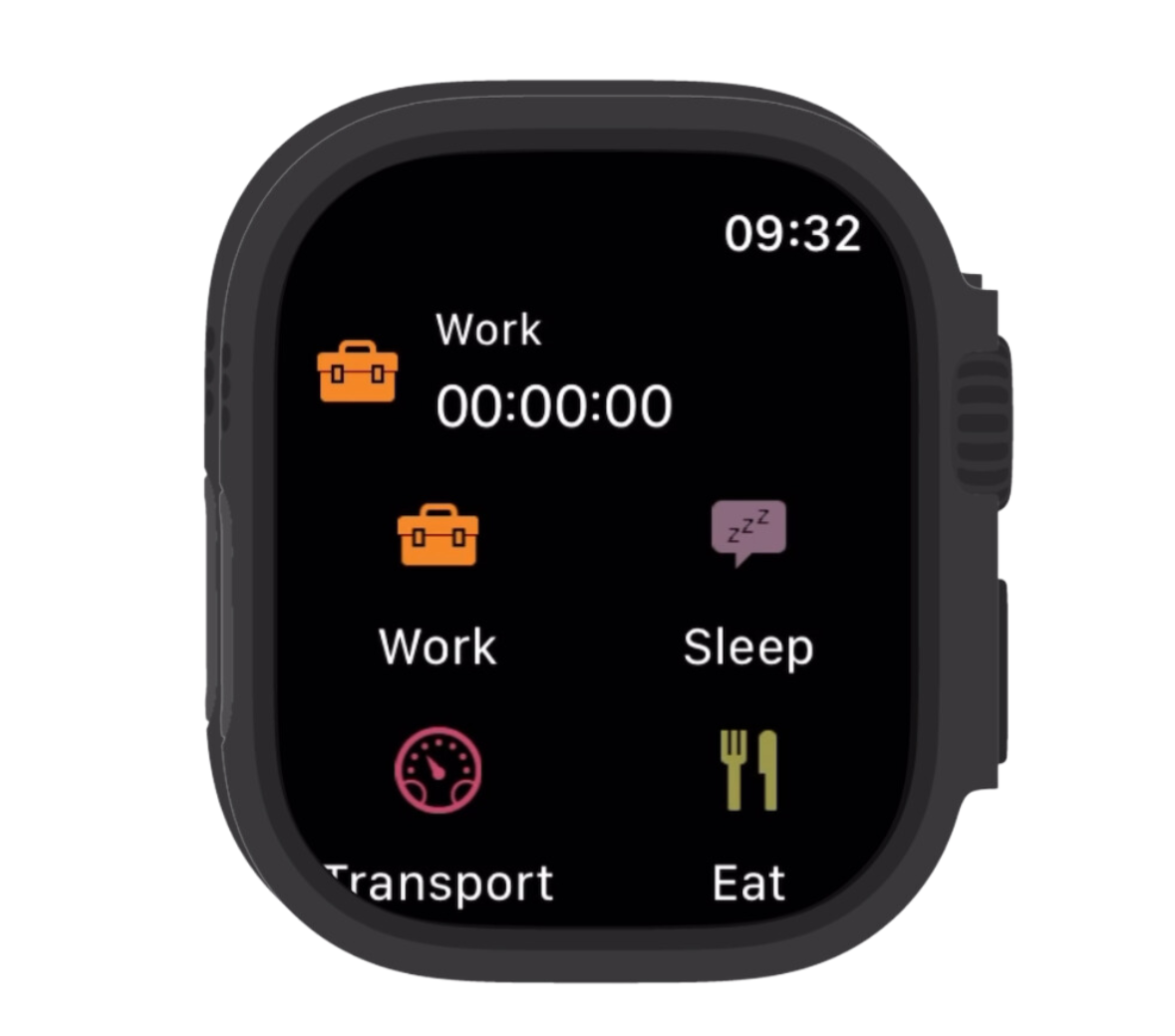
Logging time
- To start tracking an activity, tap the activity icon on your Watch. This will start the timer.
- To stop or pause an activity, tap the running timer and select the desired option from the menu.
Activities started on the Watch will automatically appear on the phone, and vice versa, as long as both devices are connected.
Info
Note: Syncing between the Watch and the widget often happens in the background, which may cause occasional delays. For example, an activity started on the Watch might not appear immediately in the widget. However, it will sync after you start application on phone