Settings
Settings are on the More tab, together with your account, tags, fields, backups and the About screen.
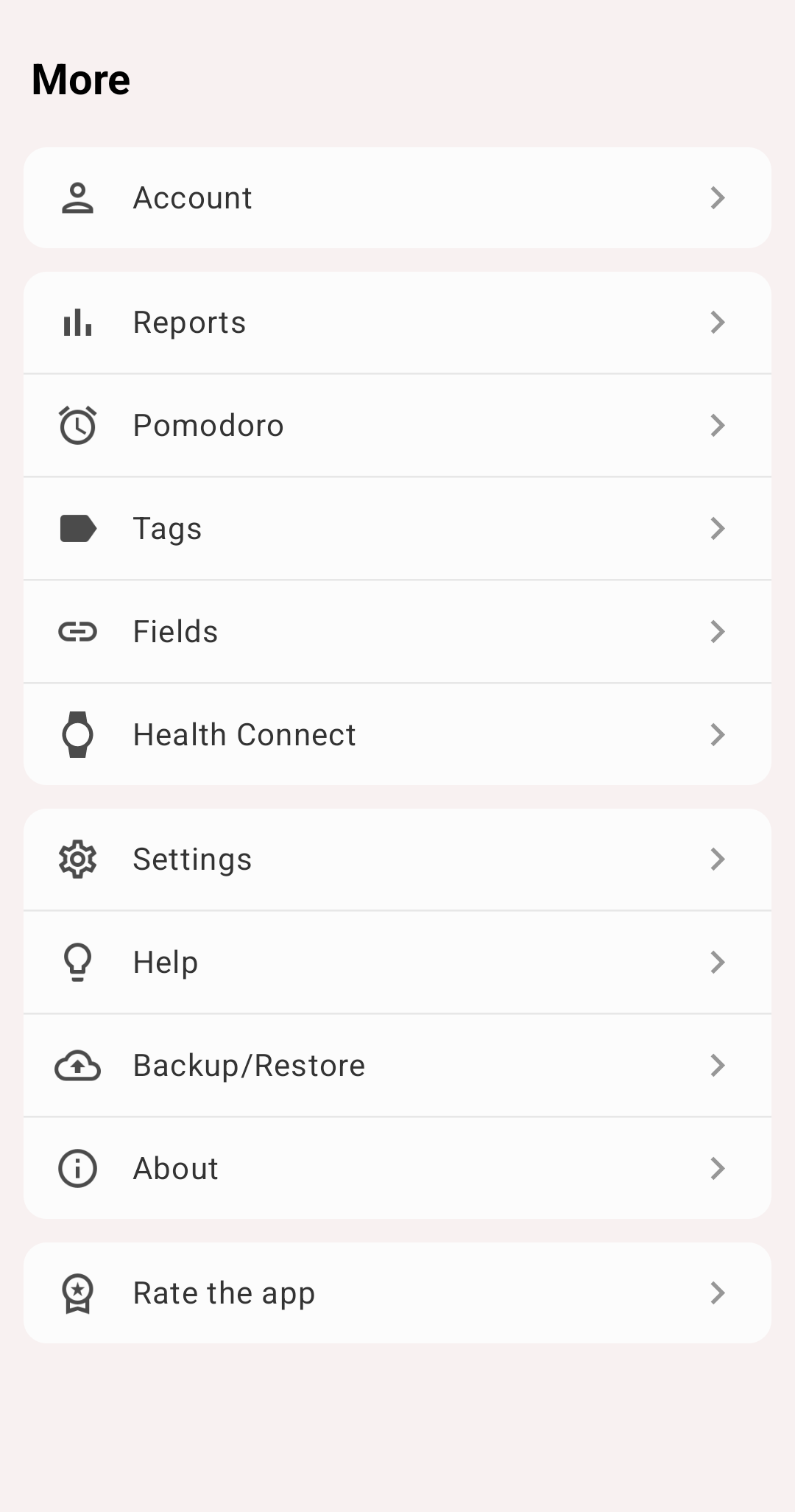
More tab
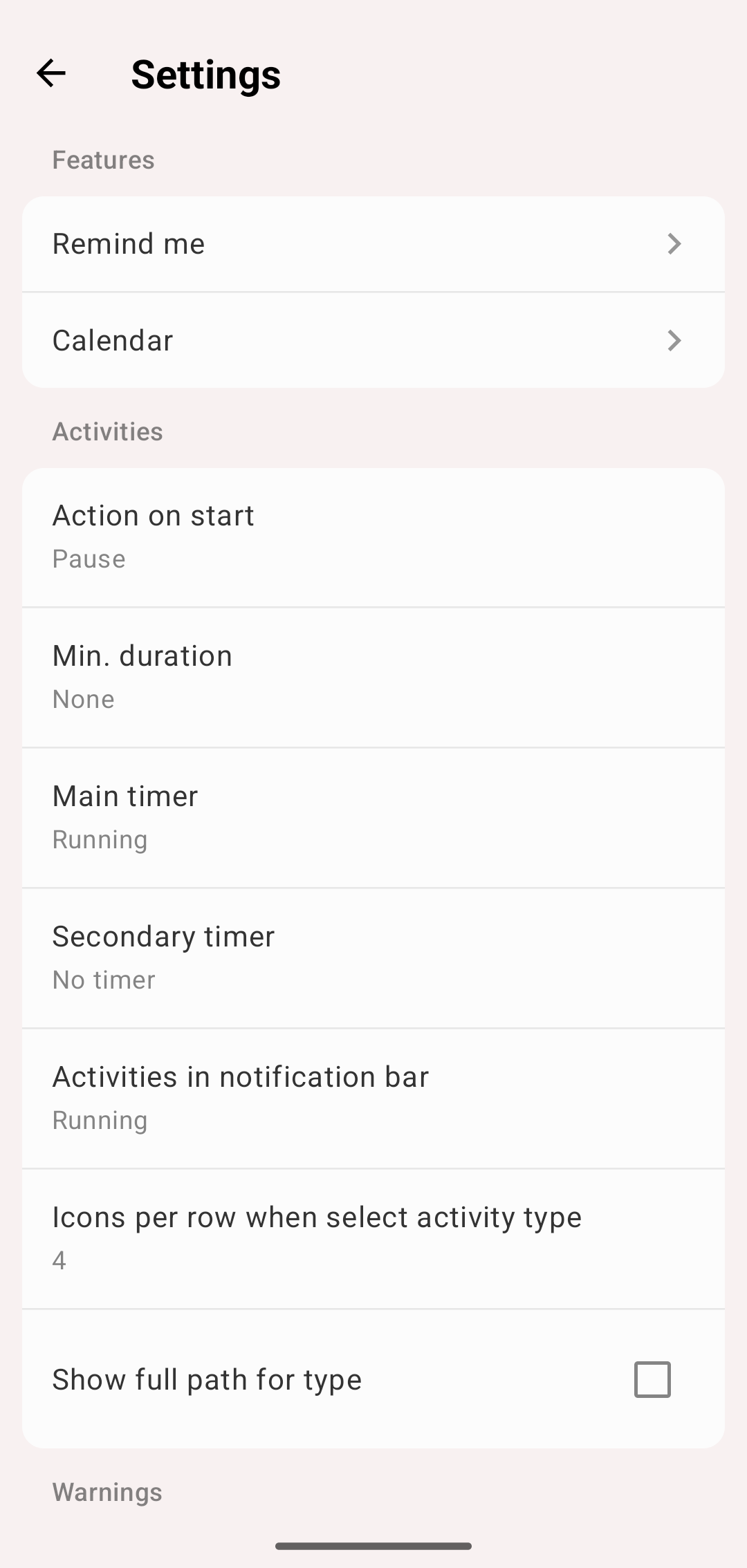
Settings
Settings marked Premium need a premium subscription for any value other than the default.
Features
- Pomodoro — see Pomodoro
- Remind me — see Remind Me
- Countdown — see Countdown Timer
- Calendar — see Calendar
Activities
- Action on start — what happens to the running activities when you start another one: Pause, Stop or None. With None several activities run at the same time
- Min. duration — None, 10 seconds, 1 minute or 5 minutes. An activity stopped sooner than that is not saved, so a type tapped by mistake leaves nothing in your history
- Main timer and Secondary timer — what the big and the small timer of an activity show: the Running time since the last start, the Total of all its intervals, or, for the small one, No timer
- Activities in notification bar — show the running activities in the notification
- Icons per row when select activity type — how many type icons fit in a row. Premium
- Show full path for type — show a type with its groups, such as Project 1 / Documentation
- Show Todo mode — adds Todo to the mode selector of the Activities tab, see Todo List
Warnings
- Warn on actions — ask before starting, stopping, pausing or resuming an activity
- Warn on intersection — when a record you save overlaps another one, the app says so and offers to adjust the times
History
- Pie view mode — Grouped or Types only, the same option as in the chart options
- Display data in pie chart — names and percents on the slices of the old Pie view
- Old statistics screens — the old Pie, Daily total and Statistics views instead of the Statistics view. See Old statistics screens
- History order — newest or oldest records first
- Multi-Day Records — a record that crosses midnight is shown Primarily on Main Day or on Both Days. See Statistics
- Full search — the search in History looks through all your records, not only the selected period
Appearance
- Theme mode — Manual, or Auto (follow system) to switch between a day and a night theme with the system
- Theme, Day theme, Night theme — Light, Light Old, Dark or Black. Black is Premium
- Widget theme and Notification bar font color — the look of the widgets and the notification
- Top tab bar — tabs at the top that you can swipe between, instead of the bottom bar
- Application language — the app in a language other than your phone's. Premium
- Display seconds — seconds on the timers
- Keep screen on — the screen doesn't turn off while you track activities
- Floating timer — a small timer over other apps while an activity runs
Time and statistics
- First day of week — where weeks start in History, statistics and goals
- Day start — when your day begins. Set it to 4:00 if you often go to bed after midnight, so the evening still counts as the same day. Premium
- Intersections in statistics — how overlapping records are counted, see Statistics
- Groups on activities tab — show groups as folders on the Activities tab. Hiding them is Premium
Comments and time entry
- Comment on start, Comment on stop — ask for a comment when an activity starts or stops
- Comments auto completion — suggest the comments you used before
- Allow precise second input — adds seconds to the time editor
- Old style time picker and Old time picker interval — the previous time picker, and its minute step
Export
Custom CSV, CSV duration format, Display seconds in CSV report and Separate groups column in csv report change the exported file. See Filters and Export.
Watch
Confirm before start, Show icons, Grid layout (two types per row) and Show type names set up the Wear OS app.
Privacy
Send anonymous usage statistics helps us improve the app. No personal data and no tracked activities are sent.
About
More → About shows the app version and has:
- Contact support — write to us by email
- Privacy Policy
- What's new — the pages about the current version again. They also open by themselves once after each update
- Write a Review in PlayMarket
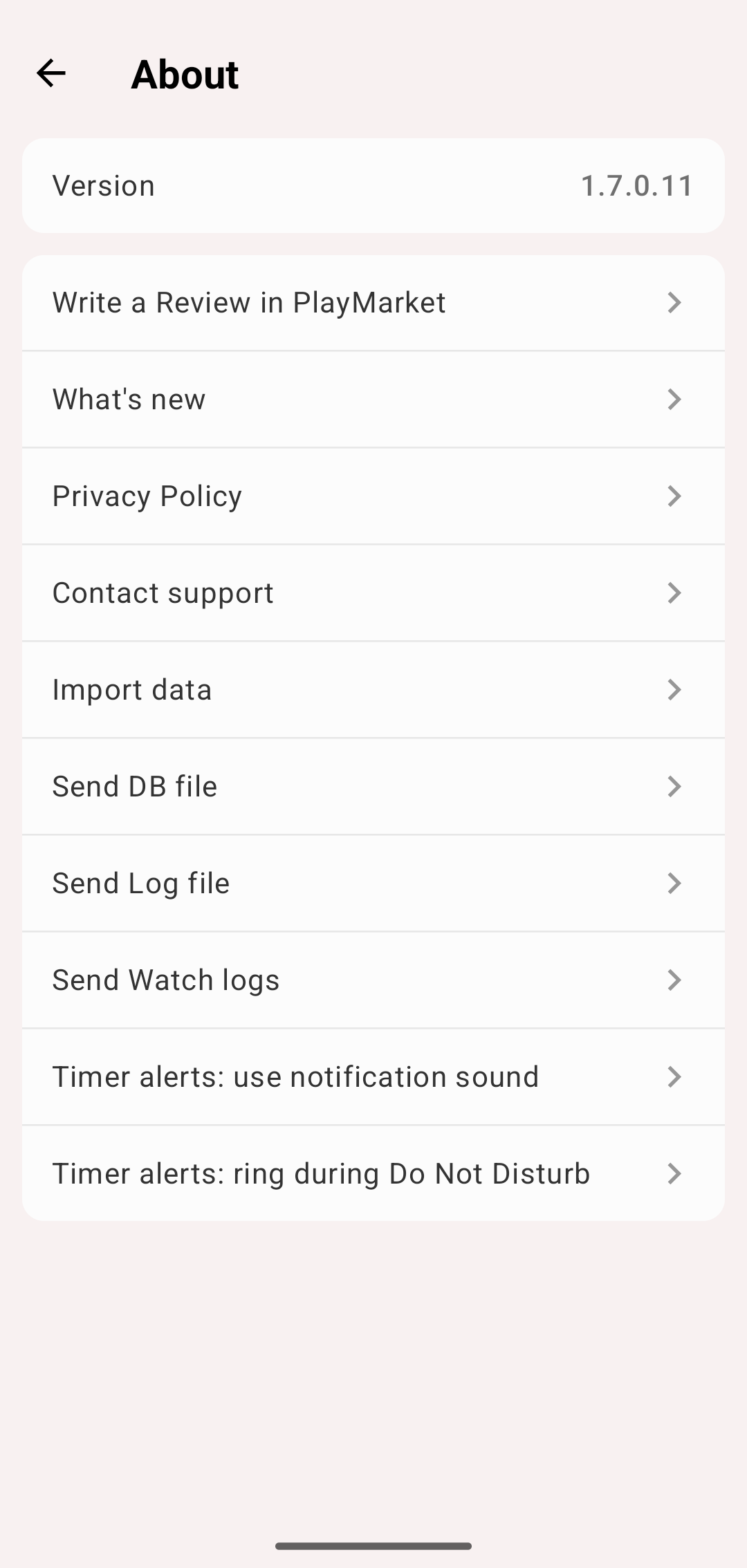
About