Pomodoro
The Pomodoro technique is simple: work in a fixed block of focused time, then take a short break, and after a few of those take a longer one. The app runs the cycle for you and logs every block as a real activity, so your focused time ends up in the same statistics as everything else.
Pomodoro is a premium feature.
Starting
- Open the Activities tab
- Select Pomodoro in the mode selector at the top
- Pick the type you are going to work on, then tap Start Pomodoro
Set up the work types and the break type in Settings → Pomodoro first: the mode needs them.
While you work, the screen has Break, Reset and Quit. During a break: Resume, Start New and Quit. The button in the corner shows the timer full screen.
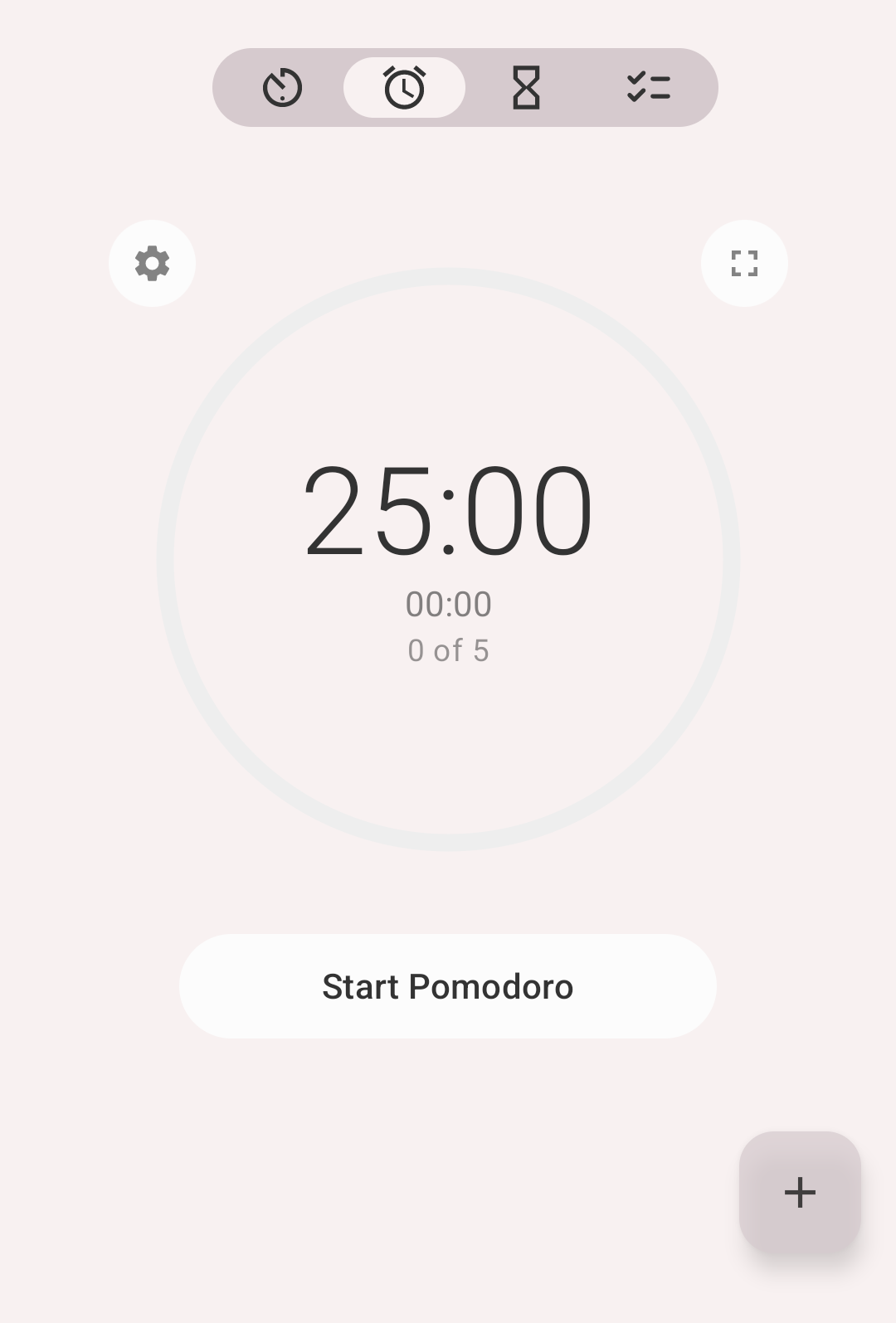
Pomodoro mode
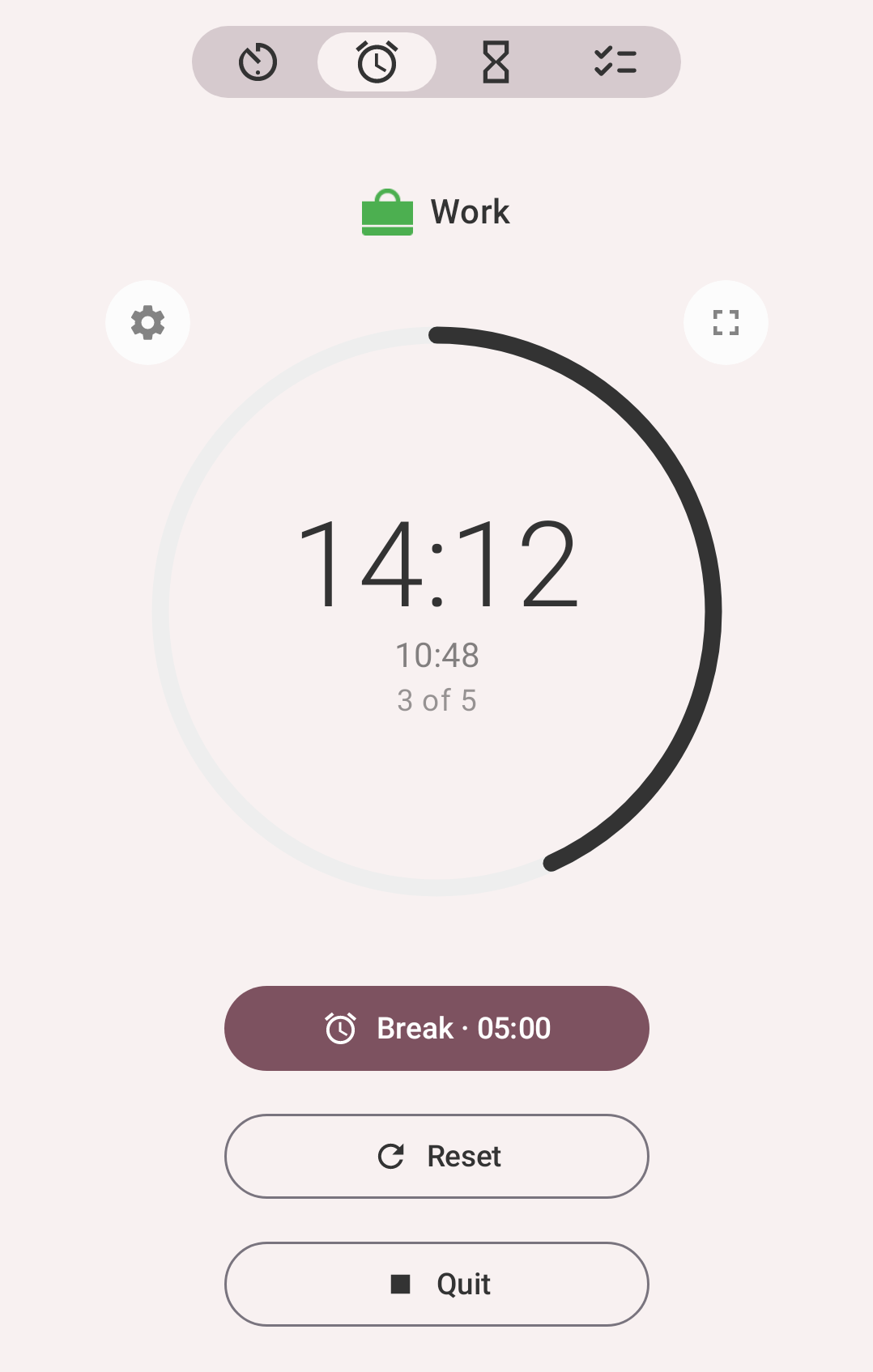
Working on Work: 14:12 left, 10:48 gone, the 3rd of 5 pomodoros today
The cycle
- Work — the pomodoro runs for its configured length (25 minutes by default)
- Short break — when it ends, you take a short break (5 minutes by default)
- After the configured number of cycles (4 by default), the break becomes a long break (15 minutes by default)
- The counter for the day goes up; the cycle repeats
Both work blocks and breaks are logged as activities, using the types you selected for each.
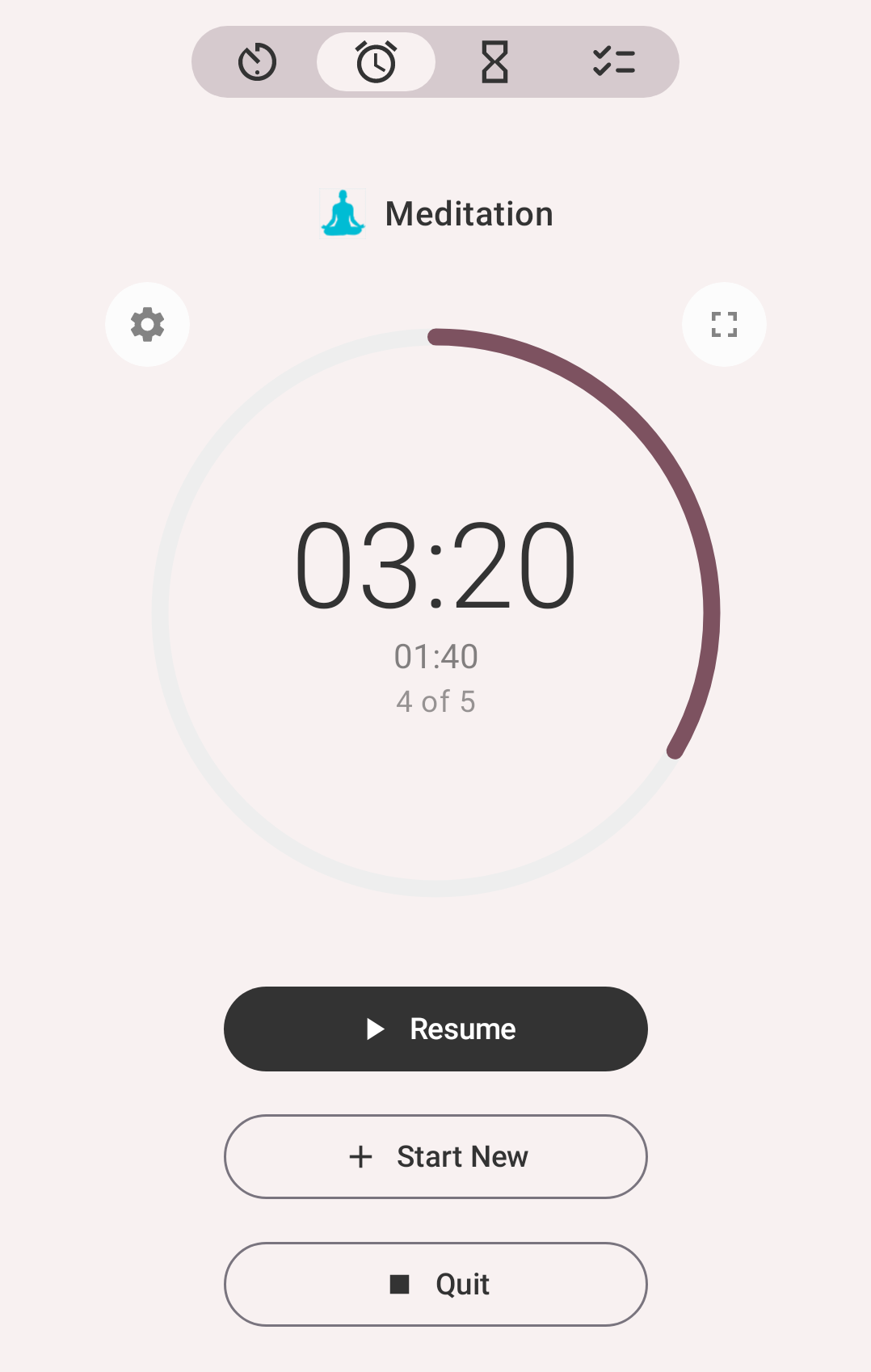
A break, logged as Meditation: 3:20 left
Settings
Open the Pomodoro settings from the mode itself or from Settings → Pomodoro.
| Setting | Default | What it does |
|---|---|---|
| Pomodoro length | 25 min | Length of one work block, from 1 minute to 1 hour |
| Short break length | 5 min | Break after each pomodoro |
| Long break length | 15 min | Break after a full set of cycles |
| Cycles | 4 | How many pomodoros before the long break |
| Pomodoros a day | 5 | Your daily target |
| Work types | — | Activity types that count as work |
| Break types | — | Activity types used for breaks |
| Strict mode | off | You cannot take a break until the pomodoro is finished |
| Stop when starting a break | on | Stops the work activity instead of pausing it when a break begins |
| Work alert / Break alert | — | Sounds played when a block ends |
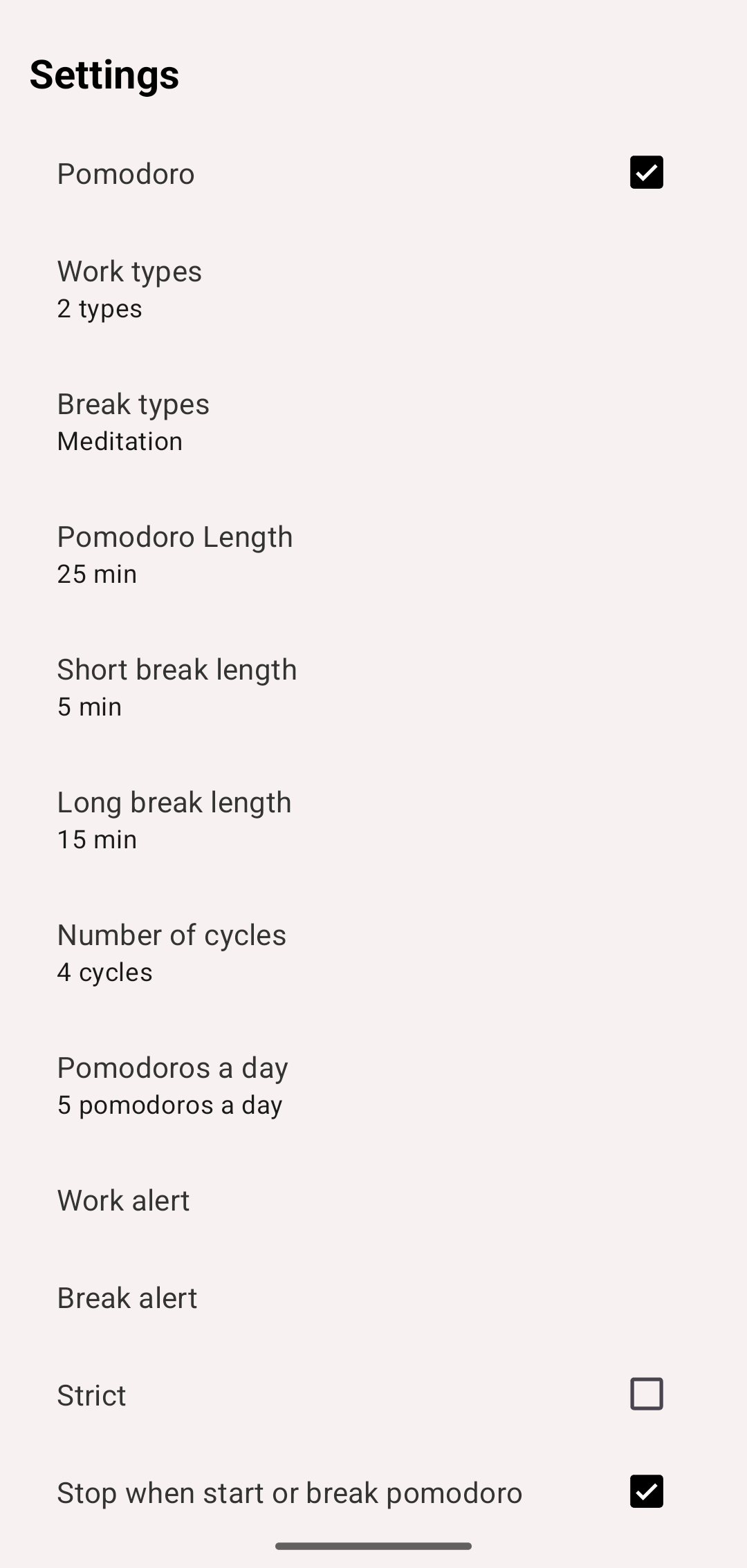
Pomodoro settings
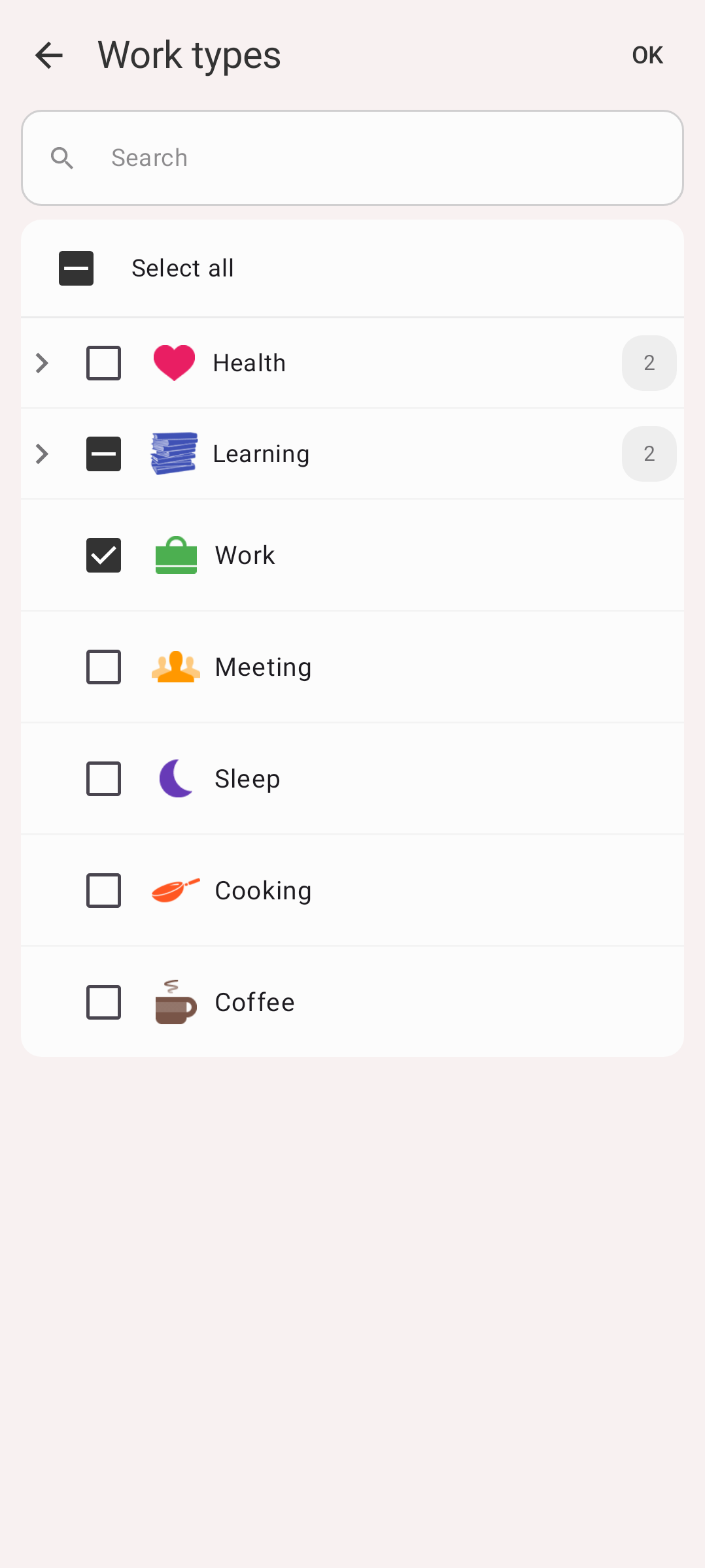
Work types: Study and Work picked
Strict mode
With strict mode on, the break button is unavailable until the pomodoro is complete — the app tells you to complete the pomodoro to take a break. Turn it on if the temptation to cut a block short is the thing you're fighting.
Which types to pick
Work types are the types offered when a pomodoro starts, break types the ones offered for breaks. A common setup:
- Work types: Work, Study, Writing
- Break types: Rest, Walk
Keeping breaks as their own type means your statistics show focused time separately from time off, and you can set a goal on it.
Statistics
More → Pomodoro shows your pomodoros: the History of them, and their Statistics for a period — Total, Completed, Uncompleted, Average completed a day, Average completed duration and Average break duration, with a chart by day and your Daily goal as a line across it.
A pomodoro counts as completed only when its work lasted the full pomodoro length. One you broke off early is uncompleted.
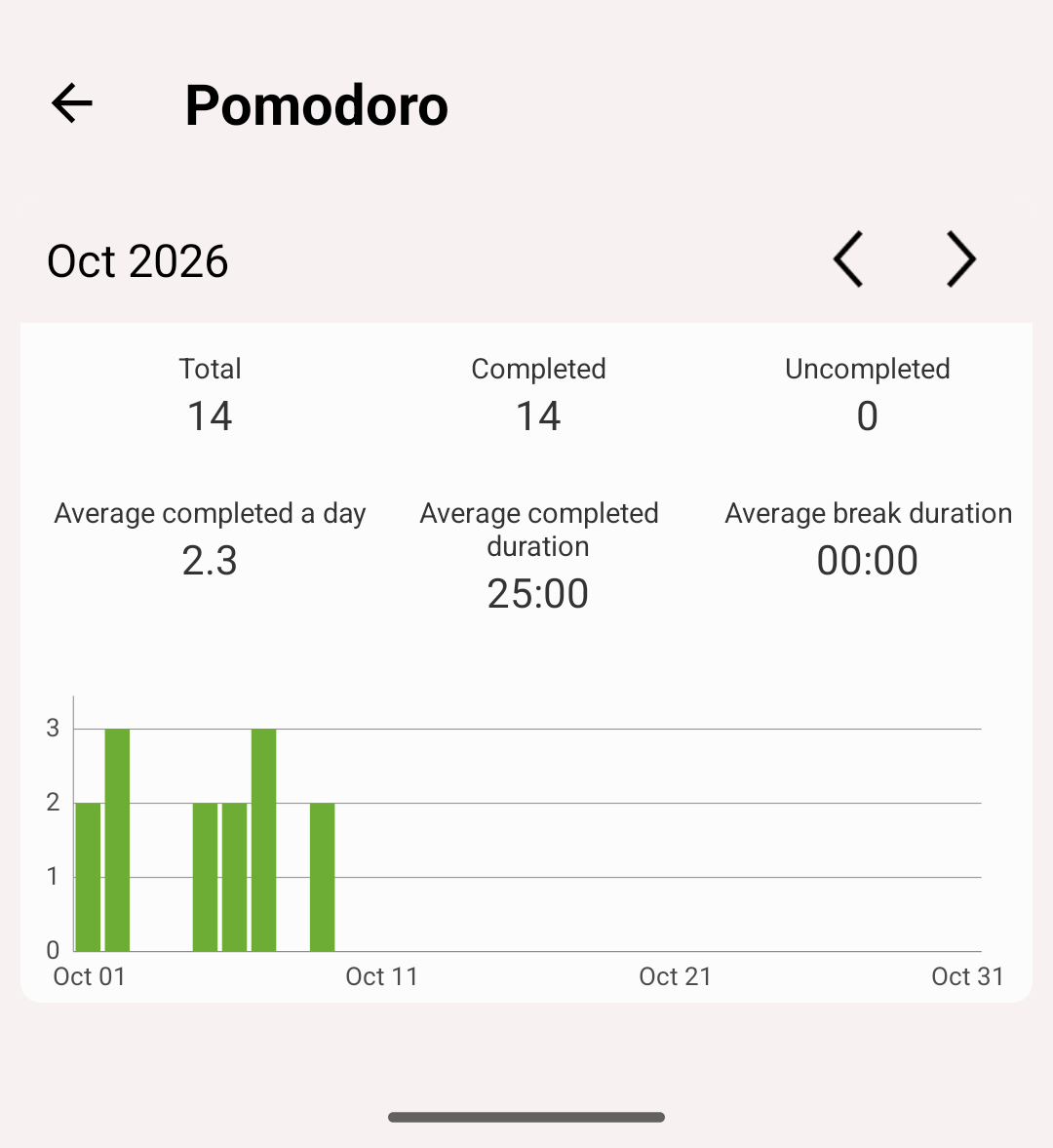
Pomodoro statistics
Because pomodoros are ordinary activities, everything else in the app works with them too: they appear in History, count towards goals, and show up in Statistics.